Any more questions?
We're always just one email away at support@ngrave.io
Tutorial videos
Use & Care Guide
Welcome! Take a breather. Lean back, relax, and scroll through our tutorial videos. We'll keep you in the loop of new features on your ZERO and other NGRAVE products.
Set up your ZERO for the first time and create your very own NGRAVE Perfect Key. The most secure way in the market to create your own wallet. Oh, and it's so easy!
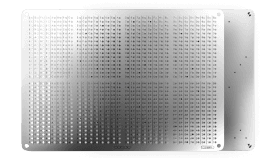
Make a backup of your recovery key by punching holes in stainless steel. Here's how!
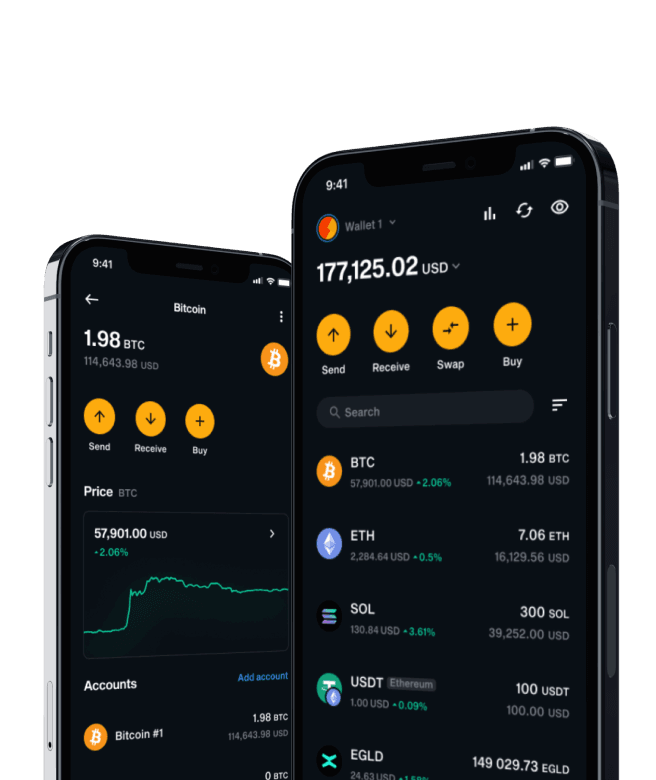
Seamlessly sync your ZERO accounts with the app and enjoy the real-time overview of your portfolio wherever you go.
You can finally forget about USB and go completely offline. Scan a QR code to send your funds safely across the blockchain, instantly.
Nothing is as easy as receiving a transaction with LIQUID.
Your Final Shield
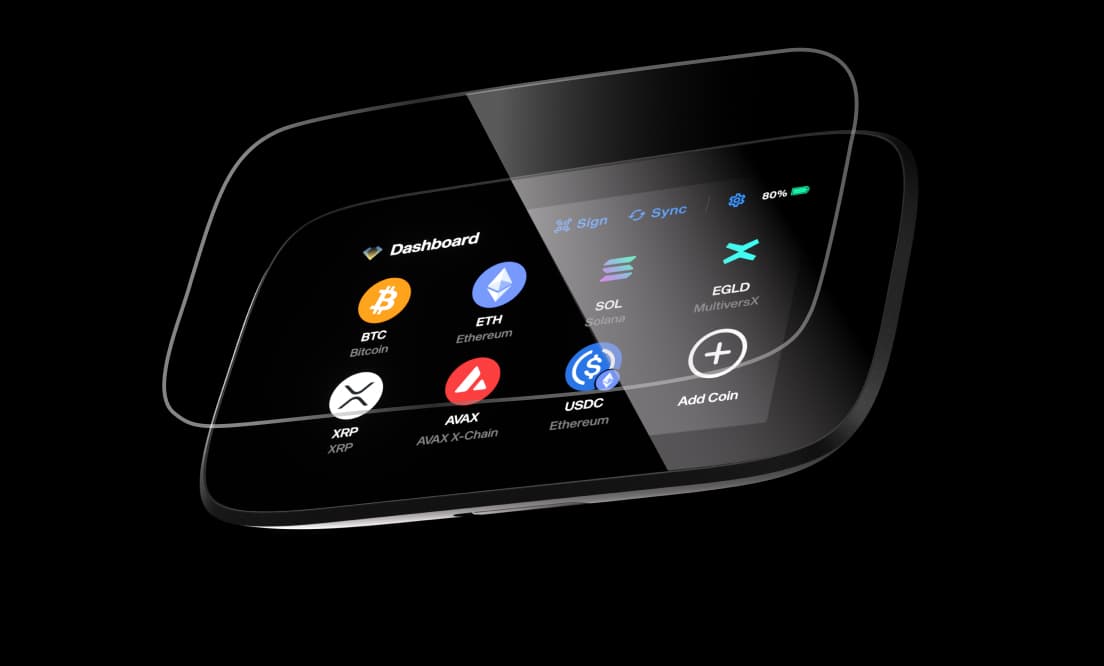
Your coldest wallet deserves a protective screen that does not fall behind in quality.
With how many different fingers can you sign a transaction? Find out in this tutorial. Or grant additional access to someone in your family.
Need more accounts for the same coin or created too many? Here's how to keep your interface tidy!
What Is Being Said About ZERO?
Discover review videos, user feedback, interviews and more!

Lost your device and need to restore all your accounts? Easy. Just import your recovery key and ZERO takes care of the rest.
Already have a mnemonic seed phrase? ZERO can import any length, be it 12, 15, 18 or 24 words.
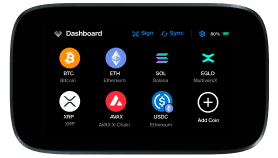
You can never have enough coins. Here's how to add new ones right from the dashboard.
We're always just one email away at support@ngrave.io